

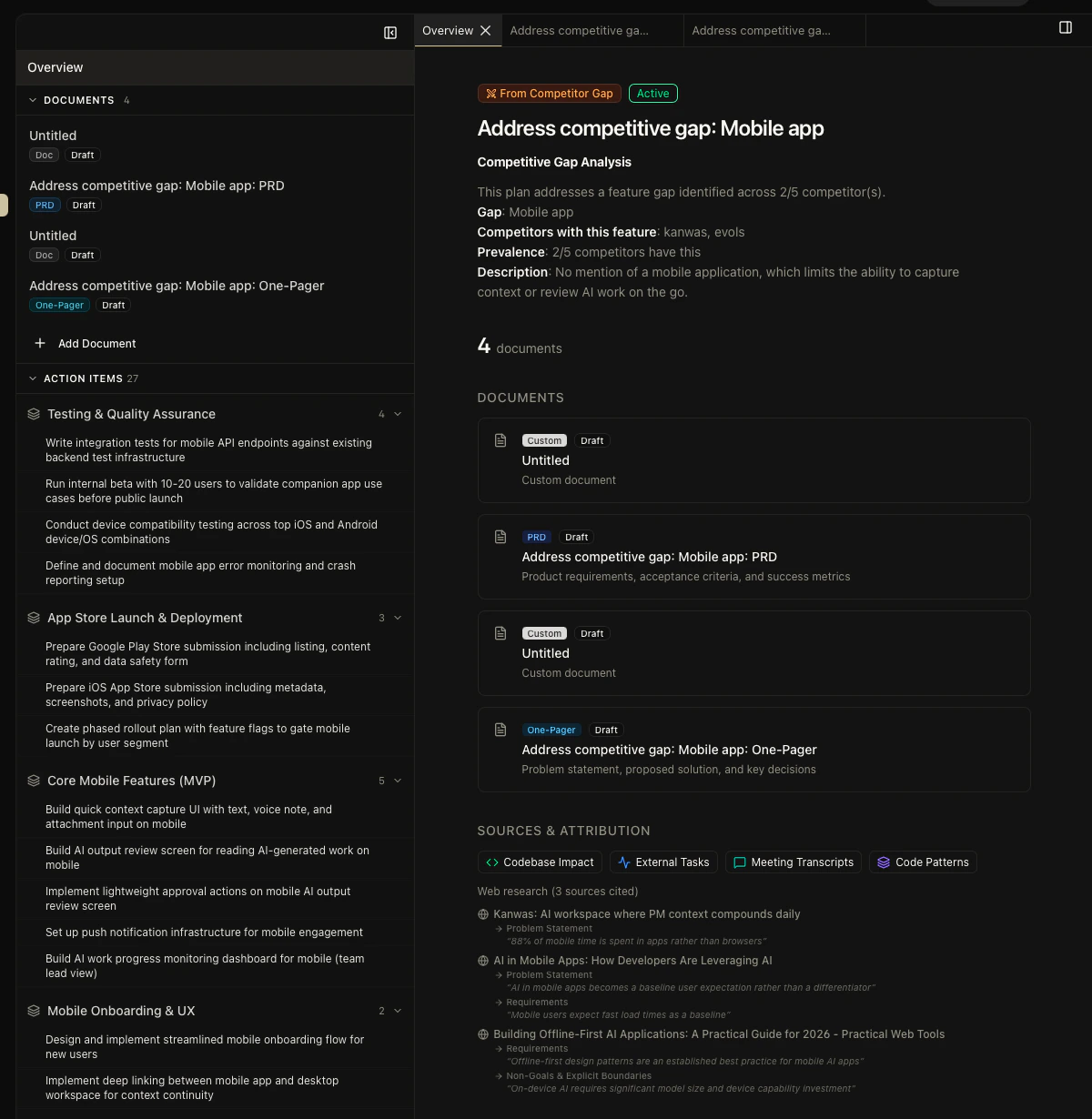
The taxonomy
These four terms get used interchangeably in most tools. In Kasava, they’re distinct — and the distinction matters.
A plan has many documents. A plan produces many work items (for quick internal tracking) and, separately, a work breakdown of epics and issues (for export to engineering).
The five-phase lifecycle
1
Planning
Create a plan, pick a work type (new feature, migration, bug fix, strategic), and add documents. Kasava suggests document templates based on the work type.
2
Extraction
Generate work items from the plan’s documents with a multi-lens AI extraction pass (implementation, testing, operations, decisions). Items appear as a checklist in the plan sidebar. Good for fast internal review.
3
Breakdown
Generate a full work breakdown — epics, issues, acceptance criteria — grounded in real code context from your indexed repositories. Top requirements are matched to actual symbols, files, and existing TODOs.
4
Export
Review the breakdown, pick the issues you want to ship, and push them directly to Linear, Jira, GitHub, or Asana. Bidirectional links are created so status updates flow back into Kasava.
5
Feedback
Staleness detection tracks the files referenced by each plan. If the code referenced changes significantly — or stops changing at all — the plan is flagged for review.
Why the breakdown is more accurate
The work breakdown pulls code context from the product graph: semantic search for the top requirements, actionable TODO/FIXME/HACK comments from affected files, and actual source code for the files most likely to change. That context goes into every generated epic and issue. The engineer picking up the ticket sees the real paths, the real symbols, and the real patterns already in your codebase — not a prose description of what the PM thought the code looked like.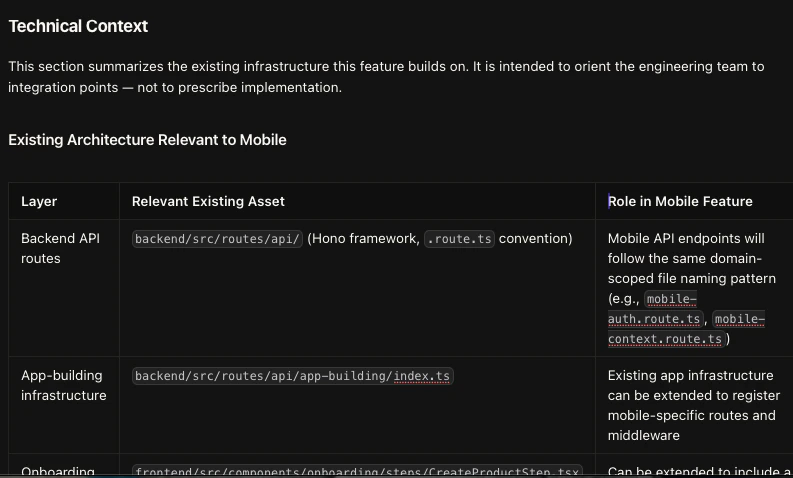
Related
The Product Graph
How real code context grounds every plan and work breakdown
Workspaces
Where plans start — evidence, hypotheses, decisions
The Kasava Agent
The chat agent that can create plans and work items from a sentence
Plans (How-to)
Step-by-step guide to creating and editing plans